NoTime. Your fleet at a glance.
Buy hardware from VESCOM and put it in employees’ hands when they need it. Check available stock, request a laptop and track its history in NoTime. Platform access is free for hardware customers covered by our support arrangements. We agree the scope of fleet services separately.
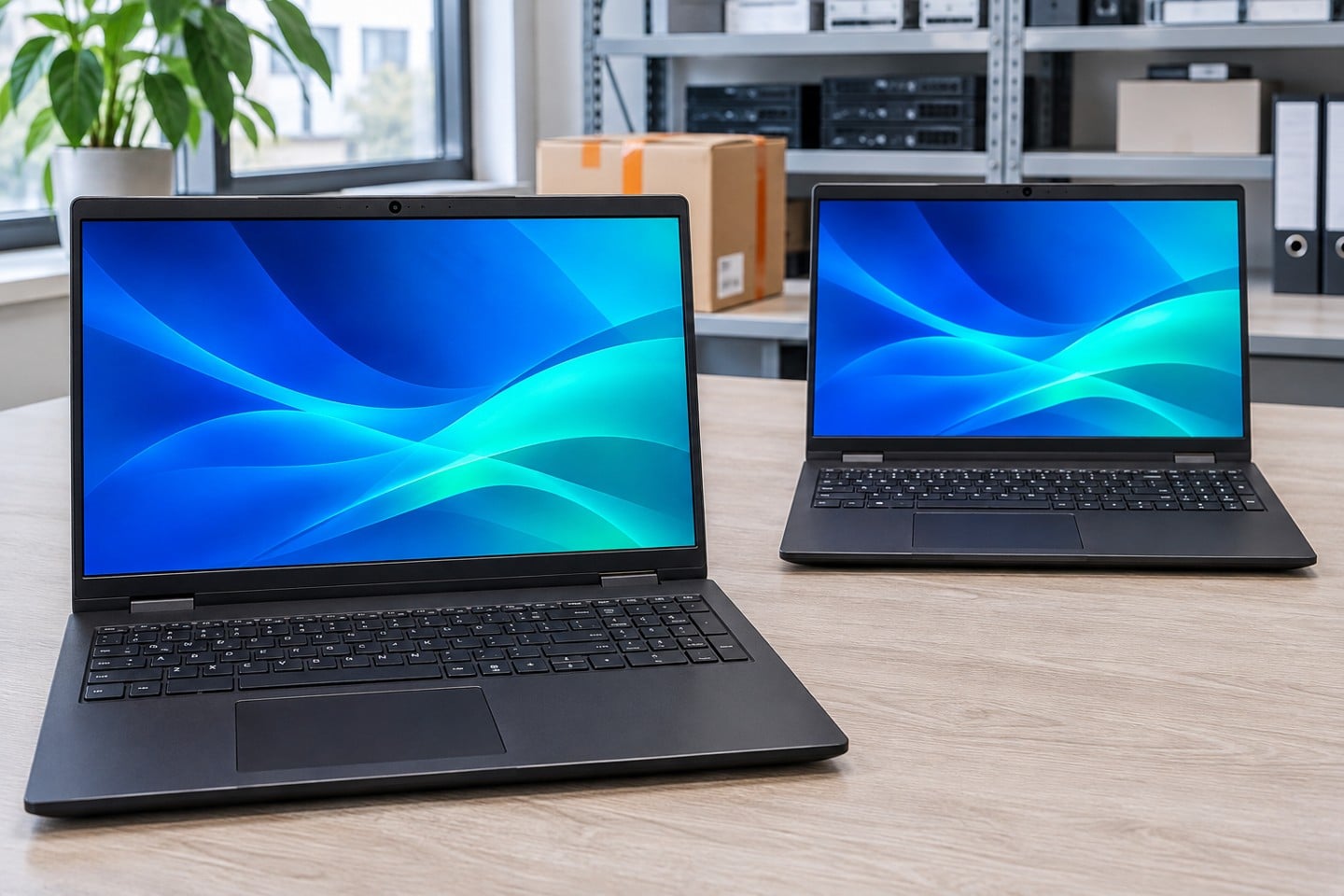
How does NoTime work?
Batch pricing. Delivery when you need it.
VESCOM negotiates a batch price with the manufacturer. Reserve the agreed models for a set period and take delivery as needed.
How do you pay for the equipment?
Buy outright, lease or arrange financing with VESCOM. Depending on the agreed terms, you may reserve stock without paying for the entire batch upfront and settle individual orders before dispatch.
Where is stock held?
We agree financing and storage separately. Devices can be held by you, VESCOM or the distributor. Low-stock alerts or automatic replenishment can be arranged.
Dispatch and tracking
An authorised person requests dispatch. An HR or IT system can also initiate the process once an appropriate API integration has been agreed.
Device history, reporting and service
Search by model, user or serial number. Review past assignments, request a warranty repair and use reports to plan replacements.
Welcome kit assembly
We can pack devices, accessories, documents and branded merchandise into a single kit for each recipient. We agree the contents and work involved with you.
From a batch purchase to an individual shipment
Purchase a batch
Suppose you buy 30 laptops. We agree where they will be stored, what goes in each kit and who can request one.
Request one shipment
When someone joins the company, an authorised colleague specifies the recipient and address. The remaining devices stay in stock.
Check the assignment
IT can see which serial number was assigned to the employee. We agree the delivery schedule and proof of receipt separately.
Frequently asked questions
Access is free for customers covered by VESCOM support who buy IT equipment from us. Hardware, configuration, shipping and additional services are priced according to the order.
No. Send our Sales team your requirements to buy laptops, monitors or peripherals directly.
Yes. Customer-owned stock can be kept at a VESCOM warehouse under individually agreed terms.
The agreed kit can include accessories, paperwork, a handover form and materials for a new employee.
Timing depends on the storage location, preparation, delivery address and agreed service level. We confirm the schedule when quoting.
Use the NoTime sign-in link on this page to access your existing account.
One employee, one complete kit
With NoTime, devices, accessories and branded items can travel in one box. For example, an employee can receive a laptop, dock, headset, company notebook and welcome card together.
What do we agree before packing?
Specify the contents and quantities for each variant, branded materials and delivery locations. Together we agree on labelling, packaging and what to do if an item is missing. A sample kit can be approved before a larger run.
Discuss a kit for your teamFrom an HR request to a replacement laptop
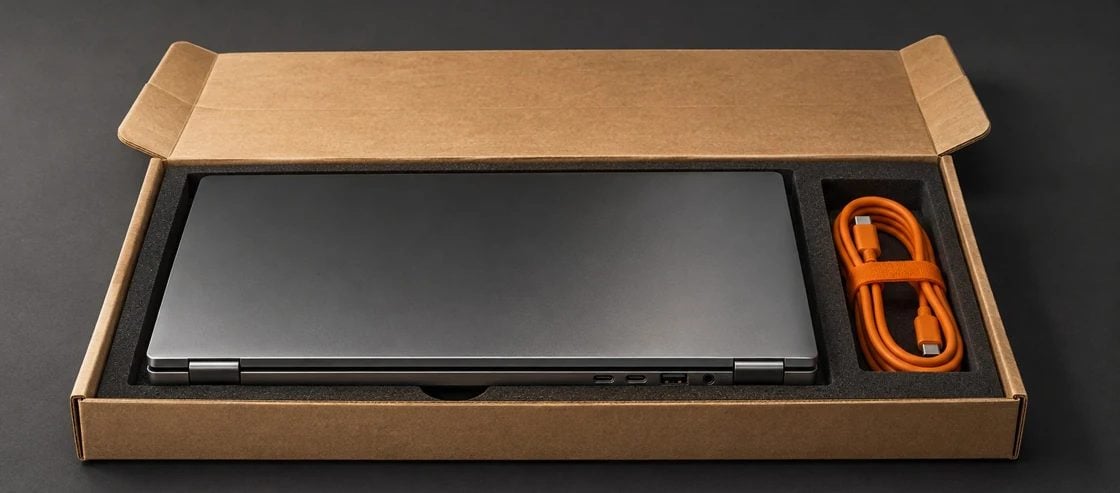
Request from HR or IT
Once the API integration is in place, a request can trigger dispatch. We first agree who may authorise a shipment and under what conditions.
The first day
We pack the laptop, accessories and HR documents. You can track delivery. With the right deployment setup, the laptop can receive its company profile on first start, for example through Windows Autopilot.
Repairs and retirement
Request a warranty repair in NoTime. When retiring a device, discuss resale, an employee purchase or disposal with data destruction.
Planning the next purchase
Device histories can be found by model, user or serial number. Use them to plan replacements and budgets.
See NoTime in action

NoTime platform lead
Bartosz Pankiewicz
In an online or on-site demo, Bartosz will walk you through an HR request, issuing a laptop from stock and tracking delivery.
Contact Bartosz on LinkedIn to book a demoRelated service
Laptops, workstations, monitors, smartphones and accessories. Get help choosing a configuration and a quote with a delivery date.
Hardware salesSee the platform in a working example.

IT systems integrator based in Łódź, Poland. Hardware, infrastructure and custom software for businesses.