Bringing your IT
together.
We supply laptops, monitors and peripherals for businesses. We design and deploy the infrastructure behind them, from a single workstation to a data centre.
- Dell Technologies
- Lenovo
- SAMSUNG
- Microsoft
Business hardware on your terms
I want to buy hardware
We help you choose and source laptops, desktops, workstations, monitors, smartphones and peripherals, including docks, keyboards, mice and headsets.
Tell us how many devices you need, what people use them for and when they need them. We compare configurations and quote the price, delivery schedule and warranty terms.
Explore hardware salesI want to manage a device fleet
If you also need fleet support, NoTime lets you check stock, request a laptop shipment and follow a device’s history. Platform access is free for customers who buy hardware from VESCOM and are covered by our support arrangements.
We agree the kit contents, financing, configuration and logistics with you separately.
Explore NoTimeIT solutions for businesses
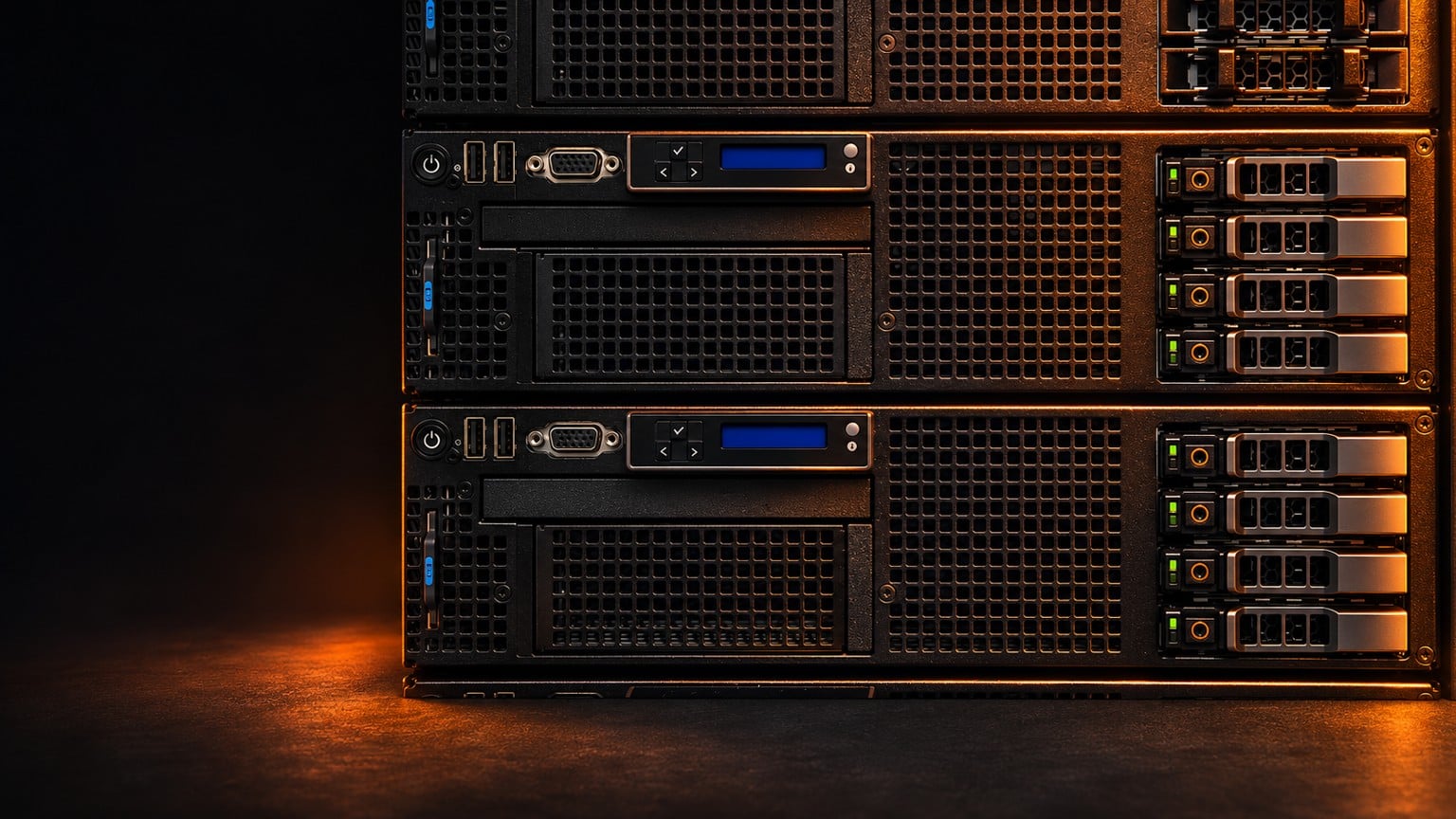
Data centres and cloud
Servers, storage arrays, backups and hybrid infrastructure.
Hardware sales
Laptops, workstations, monitors, smartphones and accessories. Get help choosing a configuration and a quote with a delivery date.
Meeting rooms and AV
Room design, acoustic measurements, installation, testing and training.
Applications and integrations
Custom software, system integration and application maintenance.
Digital twins and buildings
Digital building models, collaborative 3D reviews and building systems.
LAN and Wi-Fi
Plan network links, switches and access point power for your new office.
Backup and recovery
Define how much data you can afford to lose, then test whether you can restore a usable service.
Mobile devices and Knox
Choose smartphones and plan enrolment in your company’s device management system.
Software and licensing
Match licence options to the work people do and the systems you already use.
From your first enquiry to ongoing support
Buy equipment, add deployment services or ask us to manage the full lifecycle. Choose the stages your business needs.
Requirements
Tell us the number of workstations, applications, deadline and budget. List the equipment the new devices need to work with.
Design
Sales compares configurations and availability. For deployments, our Solutions team checks compatibility with your environment and plans the rollout.
Delivery
We agree on models, quantities, addresses and dates. Take delivery in one batch or in stages.
Deployment
If requested, we configure and integrate the equipment and agree how you will test and accept it.
Support
We agree the scope of support after delivery. Customers covered by our support arrangements who buy hardware from VESCOM can use NoTime free of charge.
Before you start a project
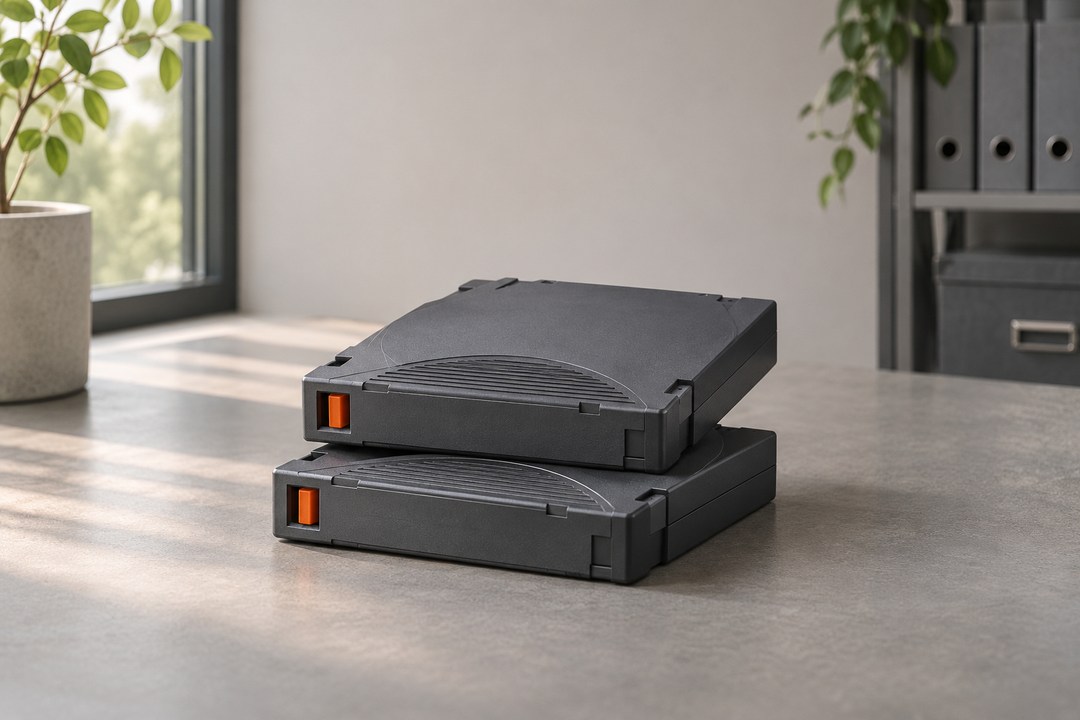
Does your recovery test meet your RPO and RTO?
Measure data loss and downtime in a worked example involving an order system.
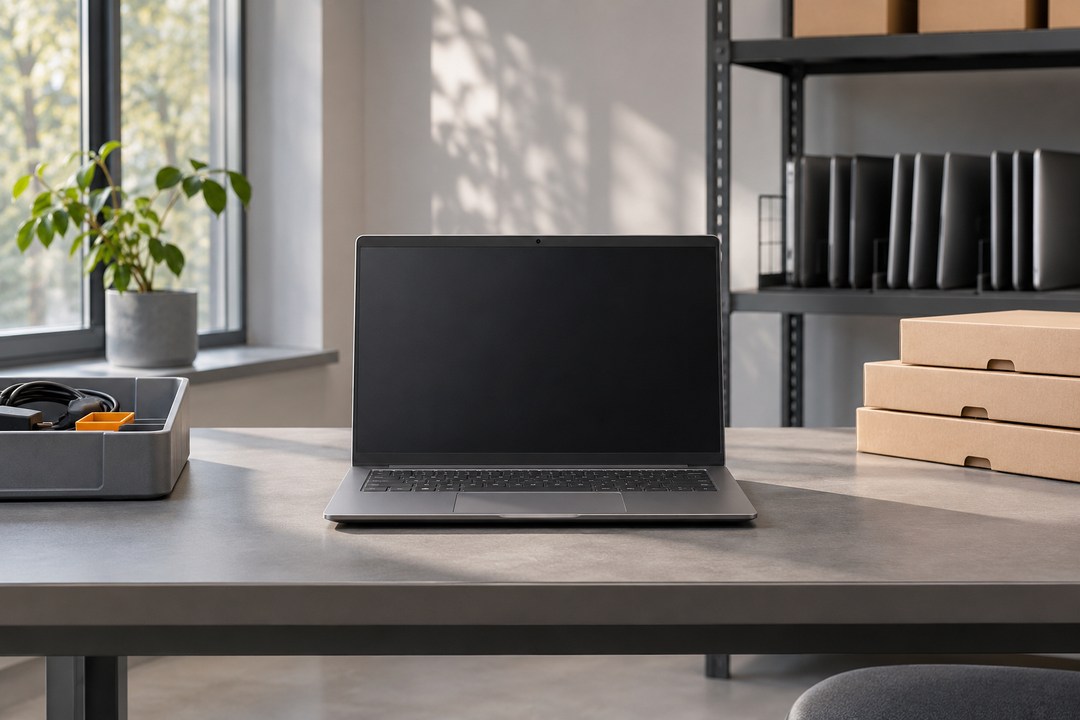
How to test a laptop deployment with Windows Autopilot
Test registration, profile assignment and an employee’s first task before ordering a full batch.
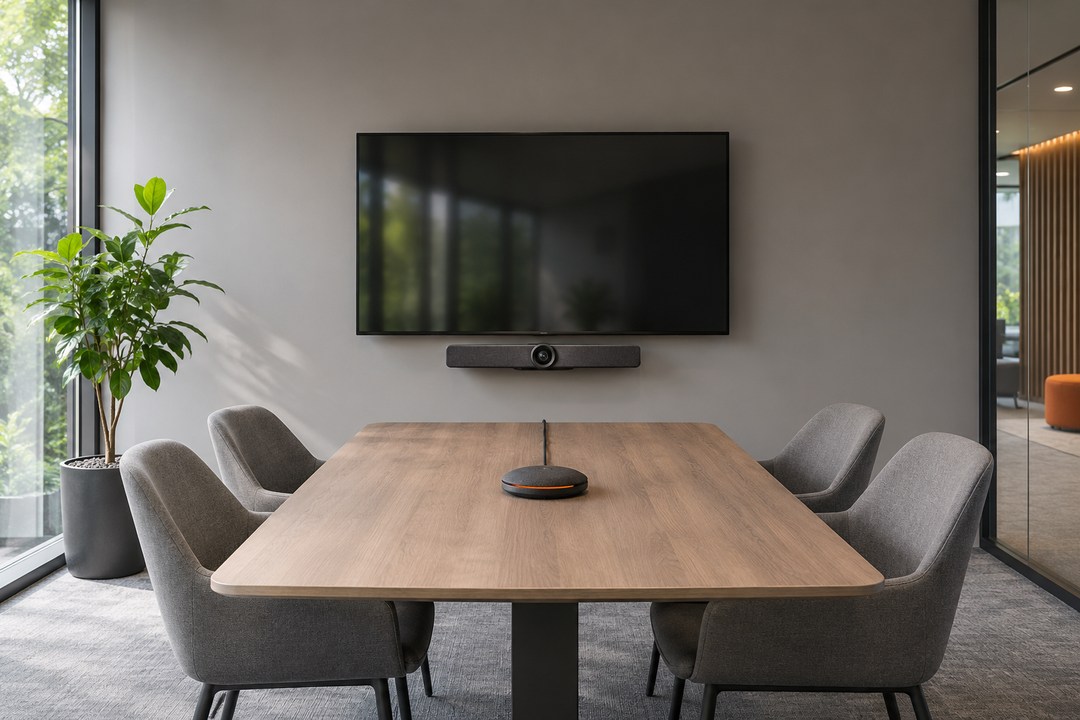
How to choose Microsoft Teams Rooms equipment and compare AV quotes
Compare equipment, management costs and licences before fitting out several rooms.
Let’s talk about your IT.

IT systems integrator based in Łódź, Poland. Hardware, infrastructure and custom software for businesses.

How to use blocks
Get started in three simple steps.

Drag and drop blocks
Pick from many content blocks in the sidebar and drop them into your layout.

Add content
Add your own content to each block. Upload images, write headings and more!

Customize settings
Select any block to edit. Adjust color, alignment and other settings in the sidebar.

Save time with predefined templates
Choose your favorite website design from our extensive template gallery and customize it to match your brand. Change colors, fonts and settings.